

Key Takeaways
Smart Speaker
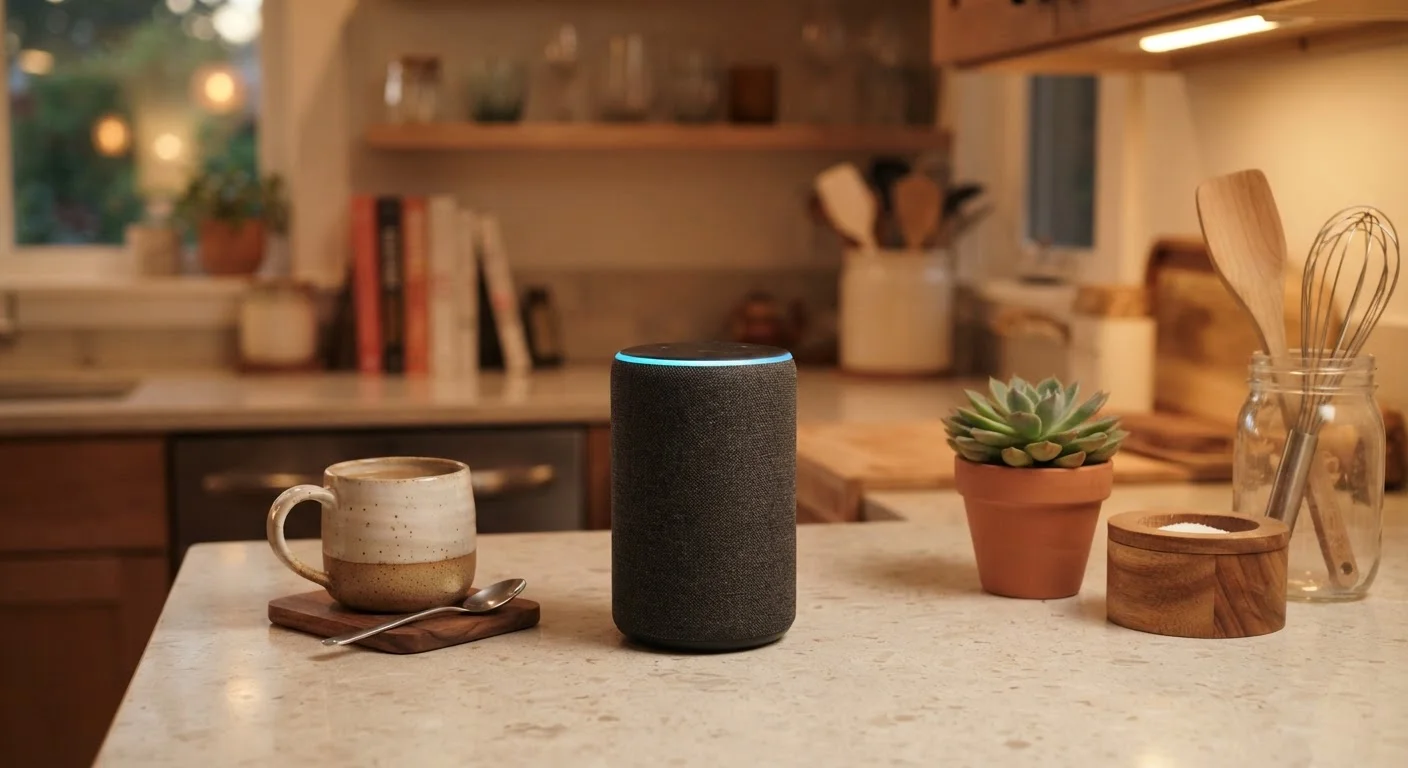
A smart speaker is a wireless audio device with a built-in voice assistant that responds to spoken commands. Beyond playing music or podcasts, it can answer questions, control compatible smart home devices, set reminders, and automate daily routines — all hands-free. You speak to it, and it listens for a wake word before processing your request.
Most smart speakers send voice recordings to cloud servers for processing rather than handling commands entirely on-device, which has privacy implications worth understanding before use.
What a Smart Speaker Actually Does
A smart speaker's most visible job is playing audio — music, radio, podcasts, audiobooks. But its defining feature is the voice assistant running underneath. When you say the wake word (a short phrase the device is trained to detect), the speaker begins listening and sends your request to remote servers, which interpret it and send a response back within seconds.
That cloud-based processing is what allows a relatively simple device on your counter to answer complex questions, check live weather, or read today's headlines. The speaker itself is essentially a microphone and audio output device; the intelligence lives in the software behind it. Understanding this distinction helps set realistic expectations: a smart speaker's usefulness is closely tied to your Wi-Fi connection and the ecosystem it belongs to.
For more on how connected devices fit into your home, see our guide on what to check before adding smart home devices.
Smart Home Control: The Feature That Changes Daily Life
For many households, the most practical use of a smart speaker is controlling other smart home devices. Once compatible devices are linked to the same platform, you can adjust them entirely by voice — no app required.
Common examples include:
- Smart lighting: Turn lights on or off, dim them, or change color in any room.
- Thermostats: Raise or lower the temperature without walking to the thermostat.
- Smart plugs: Cut power to lamps, fans, or small appliances on demand.
- Door locks: Lock or check the status of compatible smart locks.
- Security cameras: Ask the speaker (or a smart display) to show a camera feed.
The key word here is compatible. Not every smart device works with every smart speaker platform. Checking compatibility before purchasing any device will save real frustration. Our Internet & Apps hub has additional explainers on navigating connected services confidently.
35%
U.S. adults who own a smart speaker
According to Pew Research Center survey data, roughly one-third of American adults report owning a smart speaker.
72%
Smart speaker owners who use it daily
NPR and Edison Research's Smart Audio Report has found that a strong majority of smart speaker owners use their device at least once a day.
#1
Most common use: playing music
Listening to music consistently ranks as the top reported use case for smart speakers, followed by general questions and smart home control.
Routines: Automating Multiple Actions at Once
A routine is a pre-programmed sequence of actions that triggers from a single command — or even automatically at a set time. This is where a smart speaker shifts from a convenient tool to a genuine time-saver.
A simple example: saying "Good morning" could simultaneously turn on your kitchen lights, read the weather, play the news, and start your coffee maker (if it's on a compatible smart plug). A "Good night" routine might lock the front door, turn off all lights, and set the thermostat to a cooler temperature.
Routines are set up through the companion smartphone app and require no technical expertise — most platforms walk you through the process with visual menus. The main investment is the one-time setup, after which the automation runs on its own. This kind of automation parallels how automating financial tasks can simplify routines — with the same caveat that initial setup deserves careful attention.
Privacy: What You Should Know Before Plugging In
Because smart speakers contain always-on microphones, privacy is a reasonable concern. Here is what the technology actually does and what you can control:
- Wake word detection: The device processes audio locally to listen only for its wake word. It is not designed to record or transmit general conversation.
- Accidental activations: The device can occasionally wake up when it mishears something similar to the wake word. You can review and delete recordings through each platform's companion app.
- Mute button: All major smart speakers include a physical microphone mute button. When muted, the device cannot hear anything — not even the wake word.
- Data settings: Platform settings let you turn off voice history saving, opt out of human review of recordings, and manage linked third-party services.
Taking ten minutes to review the privacy settings in your speaker's app after setup is a worthwhile habit. Knowing your options puts you in control rather than leaving defaults in place.
Is a Smart Speaker Right for Your Home?
A smart speaker adds the most value when it fits naturally into how you already live. If you frequently ask questions while your hands are busy cooking, want to control lights without walking to a switch, or simply want a better-sounding wireless speaker with added functionality, the learning curve is low and the payoff is quick.
If you have significant privacy concerns, live in a small space where always-on microphones feel intrusive, or have few compatible smart home devices, the case is less compelling. The device ecosystem you commit to also matters — switching platforms later can mean replacing compatible accessories.
Compared to other connected devices, smart speakers occupy a distinct role. A smartwatch, for example, is personal and wearable — see our everyday guide to smartwatch features for that comparison. A smart speaker, by contrast, is shared and room-based. Similarly, a streaming stick or smart TV handles video where a speaker handles audio and home control. Each device fills a specific niche rather than replacing the others.
This article is for general informational purposes only. Specific product capabilities, compatibility, and privacy policies vary by manufacturer and may change over time. Always review official documentation for the devices you use.