

Key Takeaways
Our Verdict
Smart TVs and streaming sticks both deliver access to the same services, but they differ in how long that access stays smooth and up to date. Smart TV platforms are convenient at purchase but can fall behind over time, while streaming sticks offer more predictable software longevity and easier upgrades. Neither is universally superior — the right fit depends on how you use your TV and how long you plan to keep it.
| Best for | Recommended |
|---|---|
| Those who want a simple, cable-free setup and plan to upgrade their TV every few years | Smart TV built-in platform |
| Those with older TVs or who want consistent software updates without buying new hardware | Streaming stick |
| Those who rely on a specific app ecosystem or voice assistant | Streaming stick (matched to preferred ecosystem) |
| Those who prefer the fewest devices and cables possible | Smart TV built-in platform |
The Core Difference: Where the Software Lives
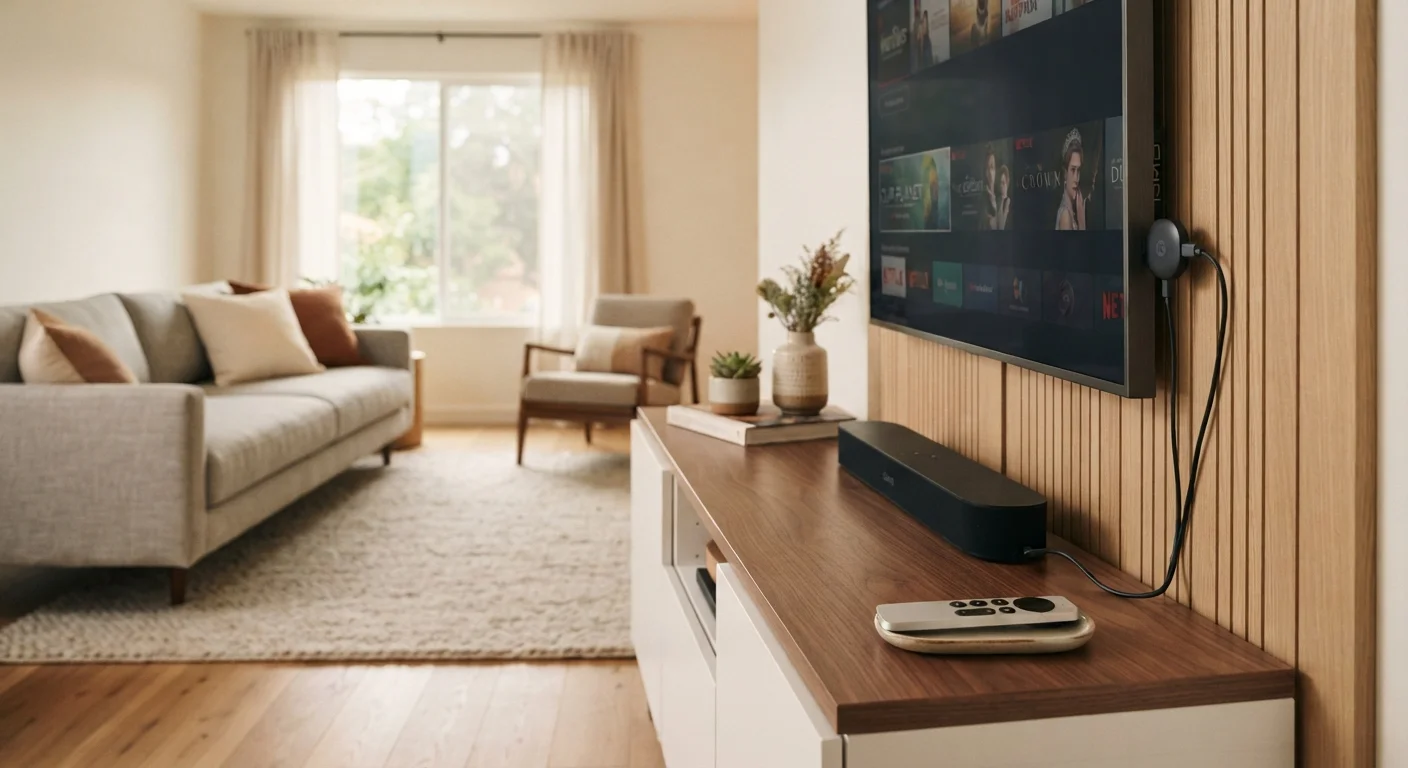
Every smart TV ships with an operating system built directly into the panel — platforms like Tizen (Samsung), webOS (LG), or Google TV (various manufacturers). A streaming stick, by contrast, is a separate computing device that plugs into your TV's HDMI port and runs its own operating system independently of whatever the TV manufacturer shipped.
That distinction sounds minor until you consider what happens after the sale. A TV manufacturer's primary business is selling hardware; once your model is a few years old, software updates may slow down or stop entirely. Streaming stick makers — whose entire business is the software platform — tend to push updates more consistently and support devices for longer relative cycles.
The practical result: a 2019 smart TV may be running an outdated interface and missing newer apps, while a streaming stick purchased the same year and connected to that same TV might still be fully current — or can simply be replaced for a modest cost without touching the TV itself. Before adding any streaming device to your home, it's worth reviewing the key questions to ask before buying a smart home device, particularly around long-term software support.
App Libraries and Update Cycles
On paper, both options give you access to the major streaming services. In practice, availability can differ. Niche or newer apps sometimes arrive on streaming stick platforms first, because developers prioritize ecosystems with large, active user bases. A smart TV platform from a smaller manufacturer may lag months — or permanently — behind on certain apps.
Update cycles also affect performance. Smart TV platforms that no longer receive regular updates can become sluggish as streaming apps themselves grow more resource-intensive. Buffering menus, slow search responses, and apps that crash on launch are common complaints on older smart TV software — even when the underlying panel still produces a sharp picture.
| Smart TV Built-In Platform | Streaming Stick | |
|---|---|---|
| Setup complexity | Minimal — no extra device needed | Low — plug into HDMI, connect to Wi-Fi |
| Software update longevity | Varies by manufacturer; often shorter | Generally longer, tied to platform maker |
| App library breadth | Varies by brand; may lag on niche apps | Typically broad; updated regularly |
| Performance over time | Can slow as apps grow more demanding | Replaceable when performance degrades |
| Upgrade cost | Requires new TV | Replace stick only (modest cost) |
| Voice assistant integration | Often multi-assistant, varying depth | Deep integration with one ecosystem |
| Remote/interface | Single remote for TV and apps | Separate remote; some TVs need both |
Understanding how streaming actually delivers content to your screen can also help clarify whether a slow experience is a platform issue or a network one.
Performance, Voice Assistants, and Ecosystem Lock-In
Streaming sticks generally carry their own processors optimized for the task, which is why many users notice snappier menus and faster app launches compared to an aging smart TV platform running on hardware that was modest to begin with. That said, newer smart TVs — particularly higher-end models — often ship with capable processors that hold up well for several years.
Voice assistant integration is another genuine differentiator. Streaming sticks tend to offer deep integration with one specific assistant (Google Assistant, Amazon Alexa, or Apple's Siri, depending on the device), which can be an advantage if you're already invested in one ecosystem. Smart TVs sometimes support multiple assistants but with varying levels of depth.
Ecosystem lock-in is worth considering in either direction. A streaming stick ties your content library to a particular platform. A smart TV platform does the same, just in firmware. If you later want to switch ecosystems, a streaming stick swap costs far less than a new television. This connects to a broader pattern of subscription and platform costs that can add up — auditing what you're actually paying for across streaming services is a useful exercise regardless of which device you use.
When Each Option Makes Sense
A smart TV's built-in platform is genuinely convenient when the TV is new, the software is current, and simplicity matters — one remote, fewer boxes, no extra cables. For households that tend to upgrade TVs on a regular cycle (every four to six years, roughly), the built-in platform may never feel noticeably outdated before the next purchase.
A streaming stick makes more sense when you already own a TV that works fine but has a sluggish or limited platform, when you want reliable software updates without new hardware spending, or when you're particular about which voice assistant or app ecosystem you use. It also functions as a meaningful upgrade path: rather than replacing a perfectly good display, you replace only the computing layer.
There's no universal answer, but understanding what each option actually controls — the software, not the screen — makes the decision considerably clearer. If you're weighing other connected devices for your home at the same time, the capabilities of smart speakers may also factor into which streaming ecosystem fits best.