

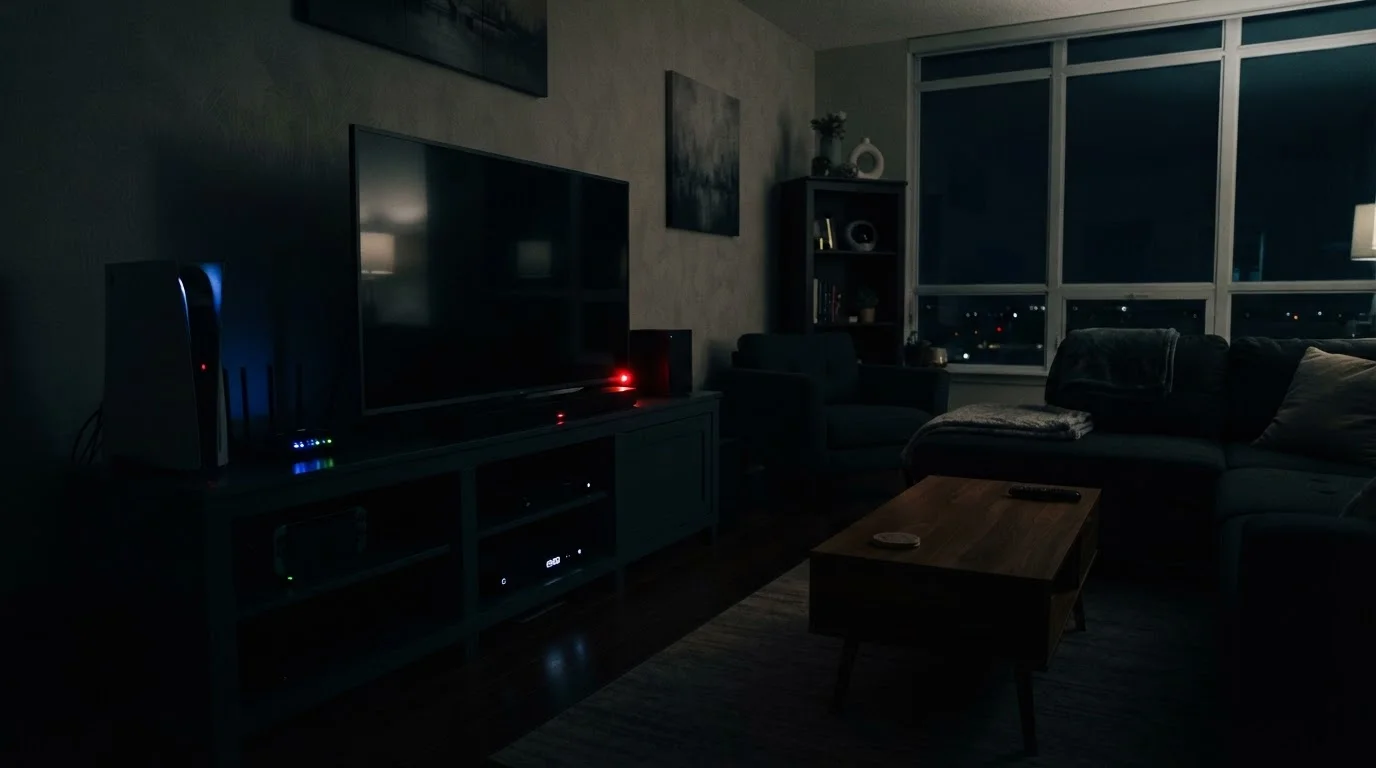
Key Takeaways
The Power You're Paying for Without Knowing It
Plug something into the wall and walk away — that should be the end of it. But for dozens of devices in a typical American home, it isn't. Many gadgets continue drawing electricity even when they appear fully off, a phenomenon often called standby power or, more colorfully, "vampire draw."
According to the U.S. Department of Energy, standby power can account for roughly 5–10% of a home's annual electricity consumption. That's a quiet, invisible line item on your utility bill that grows larger the more connected devices you own. The good news: once you know which devices are the biggest offenders, you can make targeted decisions about when and how to leave them plugged in.
This connects to broader questions about the hidden costs of running household appliances — purchase price is only part of what a device costs you over time.
Cable and Satellite Boxes
Set-top boxes from cable and satellite providers are widely recognized as some of the highest standby energy consumers in the home. Unlike many electronics, they often never truly power down — they receive schedule updates, download guide data, and record scheduled programming even overnight. Some models draw nearly as much power in their idle state as they do during active use, running warm to the touch around the clock.
If you have a DVR (digital video recorder) box, this draw is often intentional by design. Switching to streaming devices when possible — or enabling any energy-saving mode your provider offers — can reduce this load, though it may affect recording functionality.
Some cable boxes draw almost as much power idle as they do when actively in use.
Game Consoles
Modern game consoles can be configured to download updates, stay connected to online services, and remain network-accessible even when not in use. The "standby" or "rest" modes designed for convenience come with a real energy cost. Older-generation consoles were noted by energy researchers as particularly inefficient in this regard, and newer hardware — while improved — still draws measurable power in connected standby.
Checking your console's power settings and selecting a lower-power standby option (or full shutdown) when extended play sessions aren't planned is one of the more straightforward adjustments you can make.
Game consoles set to connected standby can quietly consume significant energy overnight.
Televisions
Modern TVs, particularly larger smart TVs, maintain network connections to receive software updates and enable instant-on features. While the standby draw of any single TV is modest, households often have multiple sets — and they may remain plugged in in guest rooms or secondary spaces for months at a time without being switched on.
Older plasma televisions had particularly high standby consumption. Even today's LED and OLED models aren't zero — and the "quick start" features that make your TV turn on in two seconds instead of ten do so by keeping the display circuitry partially active.
Smart TV instant-on features work by keeping display circuitry partially powered at all times.
Charging Bricks and Adapters
The small rectangular adapters for phones, laptops, tablets, and other gadgets draw a low but continuous current whenever they're plugged into the wall — regardless of whether a device is connected at the other end. Individually, each adapter draws a trivial amount. Collectively, across a household with a dozen or more charging bricks, the cumulative standby load becomes meaningful.
This is one of the easiest categories to address: simply unplug adapters when they're not actively charging something. If you're thinking about power banks as an alternative for portable charging, our plain-language primer on power banks explains how they work and when they make sense.
A dozen idle charging bricks collectively add a quiet but real load to your electricity bill.
Older Desktop Computers and Monitors
Older desktop computers — particularly those running outdated operating systems without modern power management — can draw significant standby power in sleep mode. External monitors similarly maintain active circuitry when in standby. Computers configured to "sleep" rather than fully shut down preserve open applications for faster resumption, but this convenience has an energy cost that accumulates across long periods of non-use.
Enabling aggressive sleep settings in your operating system's power management panel, and shutting down fully at the end of the day when the machine won't be used for many hours, reduces this draw considerably.
Computers left in sleep mode rather than shut down accumulate standby energy costs over time.
Microwave Ovens
It may seem counterintuitive, but the clock display and control panel on a microwave oven draws power continuously — and for many households, the microwave is used only a few minutes per day. This means the standby power for the clock and interface can, over the course of a year, actually exceed the energy used for cooking. This is a well-documented quirk of appliances that prioritize always-on displays.
If your microwave is located where you can easily unplug it between uses, this is worth considering. In kitchens where it powers an over-the-range exhaust system or integrated lighting, unplugging is less practical.
A microwave's clock display may consume more annual energy than the oven itself does cooking.
Routers and Networking Equipment
Home routers, network switches, and modem-router combos are designed to operate continuously — and most households leave them on around the clock, even when no one is home or everyone is asleep. While individual power draw is relatively modest, networking equipment runs 24 hours a day, 365 days a year, making it a consistent contributor to baseline electricity use.
Some routers support scheduled shutdown or reduced-power modes during overnight hours. If your household's internet use is predictably low during certain windows, this may be worth exploring — though it does mean devices won't receive updates or remain reachable during those periods.
Routers run 24/7 by design, making them a small but year-round contributor to your electricity use.
What You Can Actually Do About It
You don't need to unplug every device in your home — that's impractical and, for some appliances, counterproductive. Instead, focus on the categories where standby draw is highest and the inconvenience of disconnecting is lowest.
Smart power strips are a practical starting point. They detect when a primary device (like a TV) powers down and automatically cut electricity to secondary devices (like a soundbar or game console) connected to the same strip. This removes the burden of manual unplugging while still breaking the standby cycle.
For charging bricks specifically — the wall adapters for phones, laptops, and tablets — a simple habit of unplugging them when not actively charging can add up. As our guide to gadget battery myths explains, modern lithium-ion devices don't need to be kept perpetually topped off anyway.
If you're thinking about adding more smart home devices, it's worth asking how they manage standby power before you commit. Our checklist before you buy a smart home device covers this alongside privacy and compatibility considerations.
For a broader view of how small household costs add up, the Everyday Money Tips hub offers practical frameworks for spotting and trimming invisible expenses like these.
A Simple Way to Audit Your Standby Load
A plug-in electricity monitor (sometimes called a power meter or watt meter) lets you measure exactly how much power any individual device draws in standby mode. Plug the device into the monitor, then plug the monitor into the wall — the display shows real-time wattage. Over a few days, you can identify which devices in your home contribute most to idle electricity use and prioritize accordingly.