

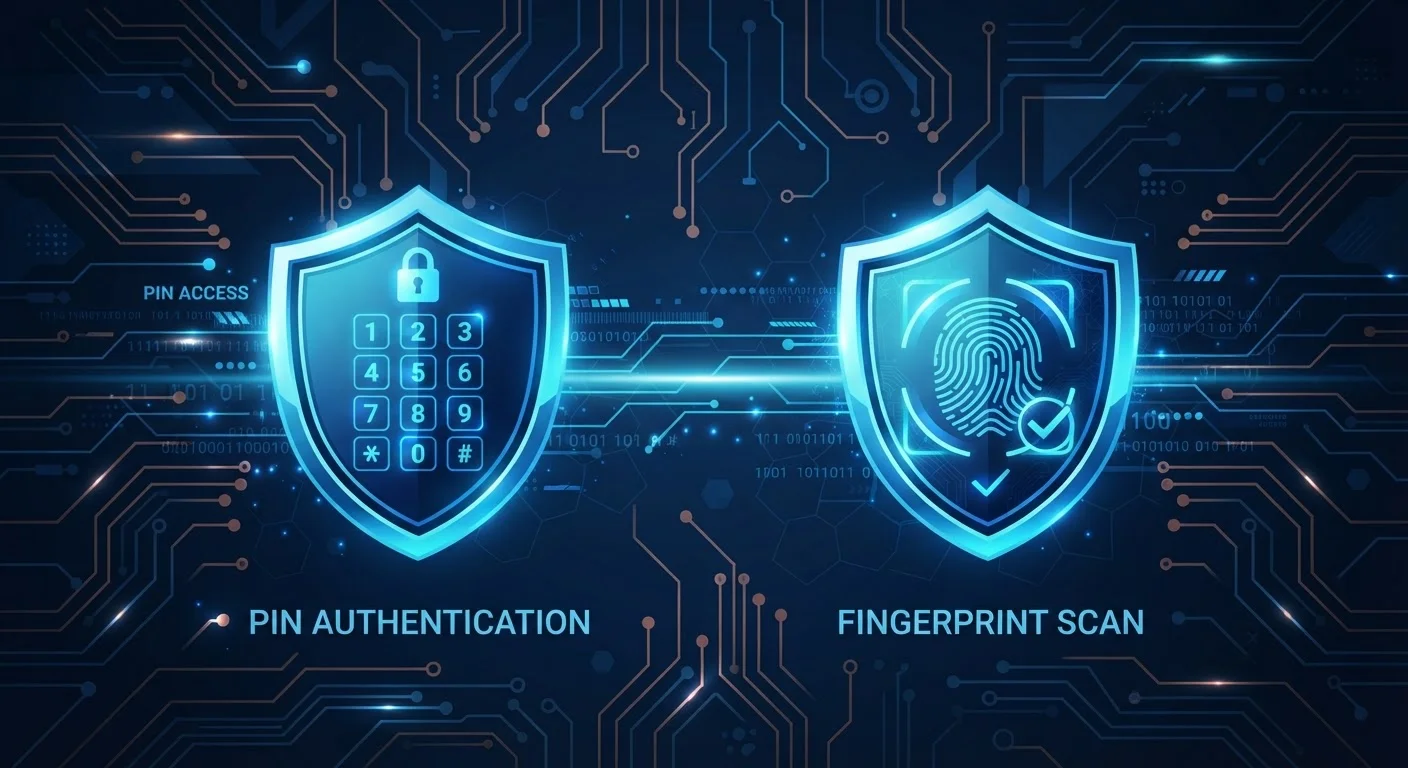
Key Takeaways
Option A
Two-Factor Authentication (2FA)
The established, widely supported security standard.
Best for: Users who need broad compatibility across older services and are comfortable managing a second verification step alongside their password.
Option B
Passkeys
The passwordless, phishing-resistant next generation.
Best for: Users on modern devices who want a smoother, more secure sign-in experience without managing passwords or one-time codes.
If you want the strongest phishing resistance available today
Passkeys
Passkeys use public-key cryptography so there is no password or code for an attacker to intercept or trick you into entering on a fake site.
If you need to secure accounts on services that don't yet support passkeys
Two-Factor Authentication (2FA)
2FA is supported virtually everywhere and is a major improvement over a password alone, making it the practical choice when passkeys aren't an option.
If you want the smoothest, fastest daily sign-in experience
Passkeys
Passkeys authenticate with a biometric scan or device PIN — no codes to copy, no app to open, and no password to type.
If you regularly switch between many different devices or platforms
Two-Factor Authentication (2FA)
2FA methods like authenticator apps work across virtually any device or browser, while passkey syncing across ecosystems is still maturing.
How Each Approach Works
To compare these two security methods fairly, it helps to understand what each one is actually doing when you sign in.
Two-factor authentication (2FA) layers a second verification step on top of your existing password. After you enter your password correctly, the service asks you to confirm your identity a second way — typically a one-time code sent via SMS, generated by an authenticator app, or produced by a hardware security key. The logic is simple: even if someone steals your password, they still can't get in without that second factor. For a deeper look at the different 2FA methods and why they matter, see how two-factor authentication works.
Passkeys take a fundamentally different approach by eliminating the password altogether. When you create a passkey for a service, your device generates a mathematically linked pair of cryptographic keys. The private key never leaves your device; the service only stores the public key. When you sign in, your device proves it holds the private key by completing a cryptographic challenge — confirmed by your biometric (fingerprint or face scan) or your device PIN. No secret is ever transmitted across the network.
| Criterion | Two-Factor Authentication (2FA) | Passkeys |
|---|---|---|
| Requires a password | Yes | No — passwordless |
| Phishing resistance | Partial (varies by method) | High — domain-bound by design |
| Sign-in experience | Password + code or key | Biometric or device PIN only |
| Service compatibility | Very broad | Growing, not yet universal |
| Credential stored on server | Yes (password hash) | Only public key — no secret |
| Device dependency | Low (codes work anywhere) | Higher (tied to device/ecosystem) |
| Recovery if device is lost | Straightforward with backup codes | Depends on cloud sync setup |
Security Strengths and Real-World Weaknesses
Both methods are meaningfully more secure than a password alone, but they have different vulnerability profiles.
The most significant weakness in traditional 2FA — particularly SMS-based codes — is phishing. A convincing fake login page can capture your password and prompt you to enter your 2FA code in real time, relaying it to the attacker before it expires. Authenticator apps and hardware keys reduce this risk considerably, but the underlying password is still a shared secret that can be exposed in a data breach.
Passkeys are designed to be phishing-resistant by construction. Because the cryptographic handshake is tied to the exact website domain, a fake site simply cannot complete the authentication — your device will refuse to respond as if the login page were legitimate. There is also no password stored on a server to be leaked.
That said, passkeys introduce their own considerations. If you lose access to your device and haven't set up recovery options, regaining access to passkey-protected accounts can be complicated. Cloud syncing through platforms like Apple iCloud Keychain or Google Password Manager helps, but cross-ecosystem portability — using a passkey created on an iPhone to sign into a service on a Windows device — is still an evolving area.
80%+
Of breaches involving stolen credentials
Verizon's Data Breach Investigations Report has consistently found that a large majority of hacking-related breaches exploit weak or stolen passwords, underlining why moving beyond passwords matters.
0
Phishing incidents reported against hardware-key 2FA users (Google internal study)
Google reported that none of its employees who used hardware security keys were successfully phished — an outcome that passkeys aim to replicate at scale without requiring separate hardware.
12B+
Passkeys created across major platforms
The FIDO Alliance reported that billions of passkeys have been created across consumer platforms, reflecting rapid adoption since major operating systems added native support.
Compatibility, Adoption, and What This Means for You
Practically speaking, your choice right now is partly driven by what the services you use actually support. Major platforms including Google, Apple, Microsoft, and many financial apps have rolled out passkey support, but a large portion of the web still relies on passwords plus 2FA.
This means most people will be running both systems simultaneously for the foreseeable future: using passkeys wherever they're available and relying on a strong password combined with an authenticator app everywhere else. A password manager remains a practical companion for managing the accounts where passkeys haven't yet arrived, since strong unique passwords matter as long as passwords exist at all. You can also review password habits that security researchers follow to cover that baseline while passkey support expands.
If you're new to account security concepts generally, a ground-up cybersecurity guide can help you build the foundational habits before layering on advanced tools.
The broader trajectory is clear: the industry is moving toward passwordless authentication, and passkeys are the leading candidate to get us there. But 2FA — especially app-based 2FA — remains an important, widely available protection that everyone should have enabled on any account that offers it.