

Key Takeaways
Start here
What Two-Factor Authentication Actually Is
Understand the problem
Why a Password Alone Is No Longer Enough
Explore your options
The Main Types of 2FA
Take action
How to Set Up 2FA on Your Accounts
Go deeper
Common Questions and Concerns
What Two-Factor Authentication Actually Is
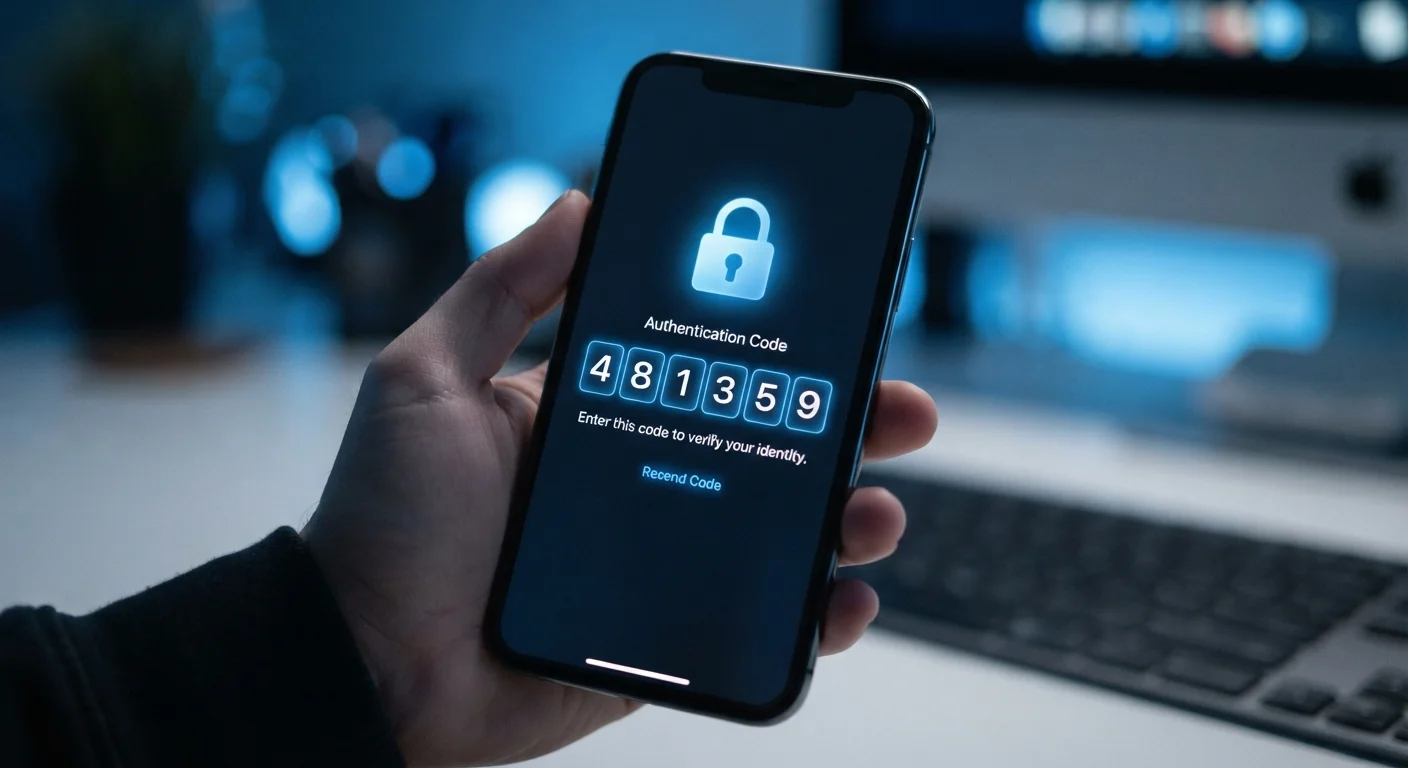
Two-factor authentication — commonly called 2FA — is a security process that requires you to provide two distinct pieces of evidence before you can access an account. Think of it like a door with two separate locks: even if someone has one key, they still can't get in without the second.
Two-factor authentication (2FA)
A login process that requires two separate forms of verification — typically your password plus a code or device — before granting account access.
Credential stuffing
An attack where criminals take usernames and passwords leaked in one data breach and automatically try them on other websites, exploiting password reuse.
Authenticator app
A smartphone app that generates short-lived, one-time codes used as the second factor when logging into accounts, without relying on your phone number.
SIM swapping
A fraud technique where an attacker convinces a mobile carrier to transfer your phone number to a SIM card they control, allowing them to receive your SMS codes.
Recovery codes
One-time backup codes generated when you set up 2FA, used to regain account access if you lose your primary second-factor device.
Hardware security key
A small physical device that plugs into your computer or taps your phone to prove your identity, offering the strongest known resistance to phishing attacks.
The standard model for 2FA combines something you know (your password) with something you have (a phone, an app, or a physical device) or something you are (a fingerprint or face scan). This layered approach means that stealing your password alone is no longer enough for an attacker to break into your account.
For a broader foundation in online safety, see our beginner's guide to personal cybersecurity, which covers 2FA alongside other fundamentals like VPNs and safe browsing habits.
Why a Password Alone Is No Longer Enough
Passwords are stolen in ways that often have nothing to do with your behavior. When companies experience data breaches, millions of usernames and passwords can be exposed — sometimes years before anyone finds out. Attackers use these lists in a technique called credential stuffing, automatically trying stolen combinations across hundreds of other sites, banking on the fact that many people reuse passwords.
Phishing is another common threat: a convincingly fake login page tricks you into handing over your credentials directly. Even strong, unique passwords can be captured this way. The habits security researchers use for passwords are worth adopting, but they address only part of the problem.
A compromised password combined with no 2FA gives an attacker immediate, full access to your account. Adding a second factor closes that gap. Even if your password is exposed in a breach, an attacker without your phone or authenticator app hits a wall.
The Main Types of 2FA
Not all 2FA methods offer the same level of protection. Here's how the most common options compare:
- SMS text codes: A one-time code is sent to your phone number. Easy to set up, but vulnerable to SIM-swapping attacks where a criminal convinces your carrier to transfer your number to their device.
- Authenticator apps: Apps generate time-limited codes directly on your device without relying on your phone number. This removes the SIM-swapping risk and is widely considered the best practical option for most people.
- Push notifications: Some services send an approval prompt directly to a registered app. You simply tap to approve or deny the login attempt.
- Hardware security keys: A small physical device — often USB or NFC — that you plug in or tap to authenticate. This is the most phishing-resistant method available and is favored for high-value accounts.
- Biometrics: Fingerprint or face recognition used as the second factor, often on mobile devices. Convenient and fast, though dependent on the security of the device itself.
If you're deciding between 2FA and the newer approach of passkeys, our article on 2FA vs. passkeys explains how these two methods differ and where each makes sense.
How to Set Up 2FA on Your Accounts
Enabling 2FA takes only a few minutes on most platforms. The general process is consistent across services:
- Go to the Security or Account Settings section of the service you want to protect.
- Look for a section labeled Two-Factor Authentication, Two-Step Verification, or Login Security.
- Choose your preferred method — authenticator app is recommended where available.
- Follow the on-screen instructions. For authenticator apps, you'll scan a QR code with the app to link your account.
- Save your recovery codes. These are one-time backup codes generated during setup. Store them somewhere secure and offline.
Start With Your Email Account
Your email inbox is the master key to your digital life — most services use it to send password reset links. Enabling 2FA on your email account first gives you the most significant security improvement of any single action you can take. Once that's done, work through your banking and financial accounts next.
Prioritize your email account first. Email is the recovery gateway for nearly every other account you own — if an attacker gains access to it, they can reset passwords for everything else. After email, focus on banking, social media, and any service storing payment information.
Pairing 2FA with a password manager creates a strong two-layer defense: the manager ensures your passwords are unique and strong, while 2FA ensures a stolen password can't be used alone.
Common Questions and Concerns
A frequent concern is: what if I lose my phone? The answer lies in those recovery codes generated during setup. Printed and stored securely, they serve as your backup access route. Some authenticator apps also let you transfer accounts to a new device through an encrypted backup process.
Another concern is inconvenience. In practice, most services remember trusted devices after your first 2FA login, so you won't be prompted on every visit — only when logging in from a new browser or device. The friction is minimal compared to the protection gained.
If your accounts have already been compromised, 2FA alone won't undo the damage. Our step-by-step data breach recovery plan walks through what to do if your information has already been exposed.
The security landscape continues to evolve, and no single tool is absolute protection. But enabling 2FA on your most important accounts is one of the highest-impact steps an everyday user can take — straightforward to implement and proven to block the majority of automated account takeover attempts.