

Key Takeaways
Why Subscriptions Slip Through the Cracks
Digital subscriptions are engineered to be low-friction at sign-up and easy to forget afterward. A streaming service here, a cloud storage plan there, a fitness app that sounded useful in January — each charge is small enough that it rarely triggers concern when it appears on a statement. But collectively, these recurring costs add up faster than most people expect. For a broader look at how small recurring expenses compound over time, see our guide to small daily purchases.
The core problem is invisibility. Once a payment is automated, it falls out of active attention. Free trials are a particular culprit: they require a payment method upfront, then quietly convert to paid plans when the trial window closes. By the time most people notice, they may have paid for several months of a service they stopped using on day three.
This guide walks you through a practical process for surfacing every active subscription, evaluating what's worth keeping, and setting up a simple system so nothing slips through again. It pairs well with our article on how households overpay on subscriptions.
What You'll Need Before You Start
Gathering a few things in advance will make this process significantly faster. You don't need any special software — the basics work fine.
What you will need
Once you have these ready, the audit itself is straightforward. If you also want to tackle related issues like old accounts and unused apps at the same time, the digital clutter guide covers that territory well.
Step-by-Step: Auditing and Managing Your Subscriptions
Work through these steps in order. The goal is a complete, current picture of everything you're paying for — and a clear plan for what to do next.
Search your bank and credit card statements
Log in to each financial account and review transactions from the past 90 days. Filter or search for keywords like subscription, monthly, annual, or specific company names you recognize. Look for any recurring charge — even amounts as small as $1.99 — and list each one in your tracking document with the service name, charge amount, and billing frequency.
Search your email inbox for billing receipts
Search your primary email for terms like receipt, invoice, payment confirmation, trial ending, and renewal. Most subscription services send an email when they charge you. Cross-reference what you find against your bank list — this often surfaces subscriptions charged to a card you forgot or a secondary email address.
Check app store subscription management
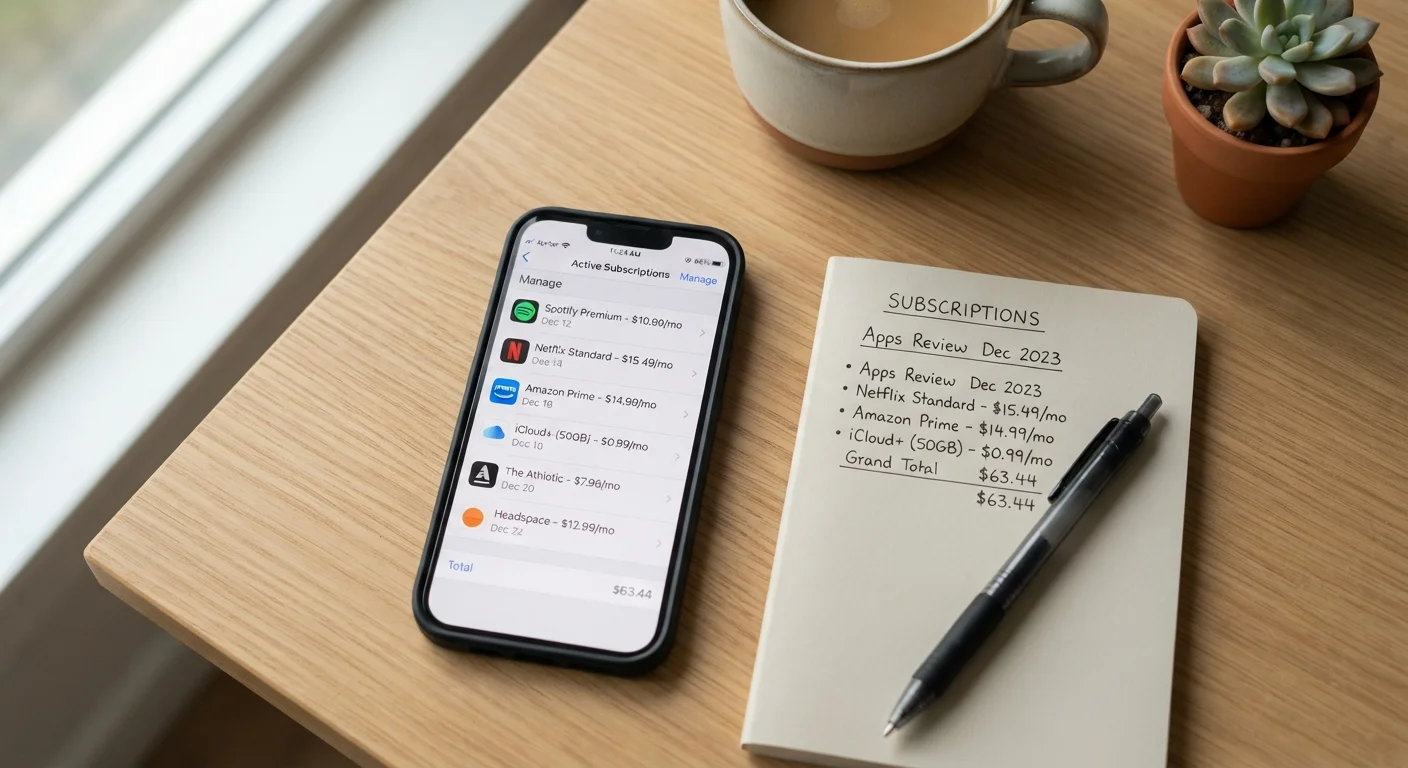
Both Apple and Google manage subscriptions purchased through their respective app stores separately from other payment methods. On an iPhone or iPad, go to Settings > [your name] > Subscriptions. On Android, open the Google Play Store, tap your profile icon, and select Payments & subscriptions > Subscriptions. Add anything new you find to your tracking list.
Categorize each subscription: keep, cancel, or review
Go through your completed list and assign each subscription one of three labels. Keep means you use it regularly and find it worthwhile. Cancel means you haven't used it in the past month or the value isn't there. Review means you're unsure — set a 7-day reminder to make a final call rather than leaving it in limbo indefinitely.
Cancel what you don't need — right now
Don't defer cancellations. Navigate directly to each service's account or billing settings and complete the cancellation. Most platforms require you to confirm through account settings rather than by emailing support. Screenshot or save the cancellation confirmation so you have a record. For annual subscriptions, check whether you're entitled to a prorated refund for unused months.
Set up an ongoing tracking system
Create a simple subscription log — a spreadsheet with columns for service name, monthly or annual cost, renewal date, and payment method works well. Update it whenever you start a new subscription, including free trials. Note the trial end date prominently so you can decide before the charge hits. Some people also find it useful to set a calendar reminder a few days before any annual renewal date.
Watch Out for Annual Renewal Timing
Annual subscriptions are particularly easy to forget because 12 months is a long time between charges. When you set up your tracking log, record the renewal date for every annual plan and set a calendar reminder at least one week in advance. Most services require cancellation before the renewal date to avoid being charged for another full year, and refunds after renewal are not guaranteed.
Once your audit is complete, consider incorporating a quick subscription review into your end-of-month routine. Our monthly financial reset checklist includes this as a regular habit. You can also explore the broader principles at the Everyday Money Tips hub or dive deeper into budgeting basics to put your subscription spending in full context.