

Key Takeaways
Why Phishing Is Harder to Catch Than Ever
Phishing — the practice of impersonating a trusted sender to trick someone into revealing passwords, financial details, or personal information — has been around since the early days of email. What has changed dramatically is the quality. Generative AI tools, readily available phishing kits, and stolen corporate email templates have handed attackers the ability to produce messages that look and read like the real thing.
Many people still rely on the old heuristics: look for spelling mistakes, generic greetings, and low-resolution logos. Those signals are now much less reliable. A phishing email today may address you by name, reference your recent activity, and arrive from an address that differs from the genuine one by only a single character.
Understanding the psychological and technical mechanics at play is your most effective defense. For a deeper look at why these attacks succeed even against careful, tech-literate people, see why phishing attacks still work. This article focuses on the specific mistakes that let phishing emails do their damage — and exactly how to sidestep them.
Common Mistakes That Make Phishing Attempts Succeed
Trusting the display name instead of the actual sender address.
Why it happens: Email clients often show only the friendly display name — "PayPal Security" or "Your Bank" — by default, hiding the underlying address from plain view.
Clicking links in the email to verify whether the message is real.
Why it happens: It feels like the fastest way to check, and attackers count on this reflex. Links can display a trustworthy URL in the visible text while pointing somewhere entirely different.
Assuming polished, professional-looking emails are automatically safe.
Why it happens: Early phishing attempts were riddled with typos and clunky formatting, so many people learned to look for sloppy presentation as a warning sign. Today, AI writing tools and stolen brand templates mean attackers can produce flawless, on-brand messages.
Responding to manufactured urgency without pausing to verify.
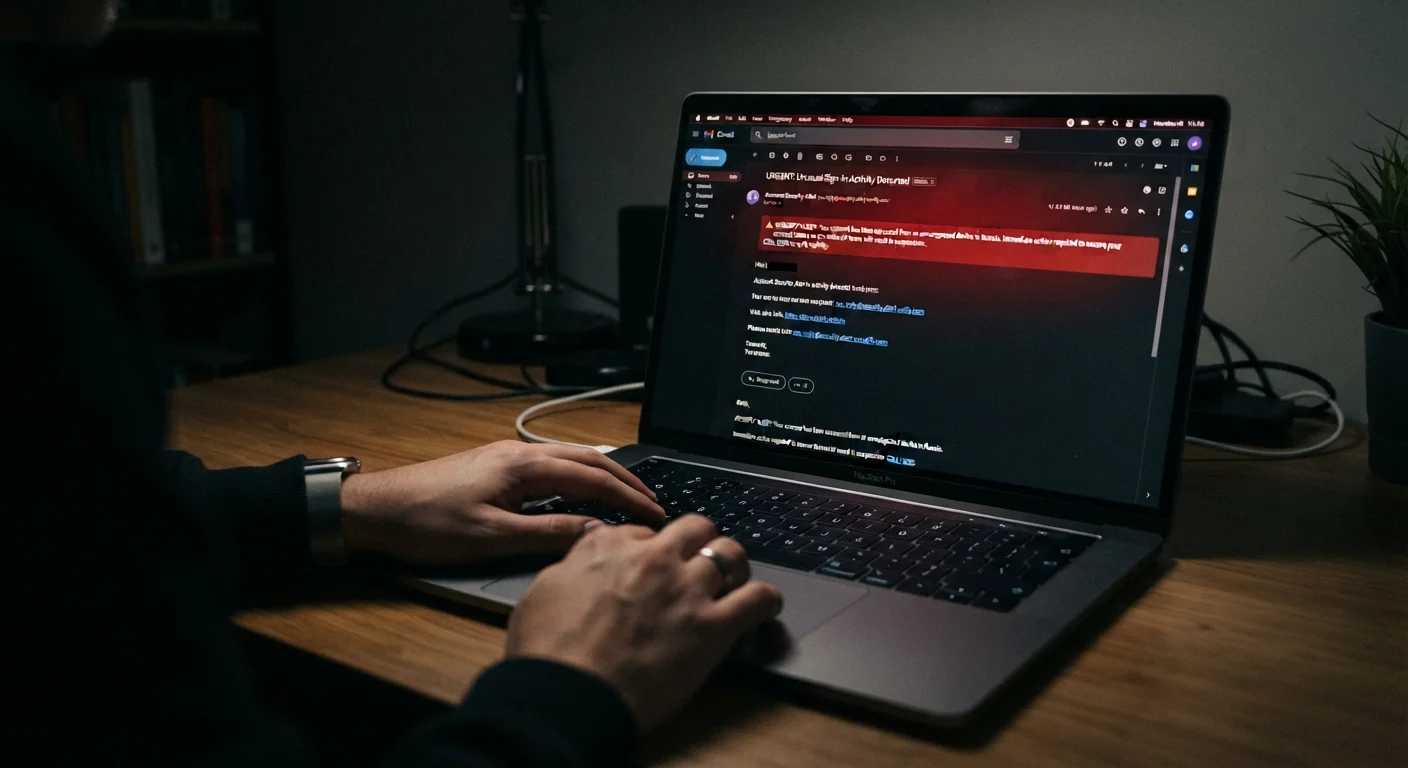
Why it happens: Phrases like "Your account will be suspended in 24 hours" or "Unauthorized access detected" trigger a stress response that short-circuits careful thinking — exactly as intended.
Entering credentials after landing on a page from an email link.
Why it happens: Phishing sites are increasingly built to mirror legitimate login pages pixel for pixel, including valid-looking HTTPS padlock icons, which many people mistakenly believe guarantee a site is trustworthy.
Each of the mistakes above exploits a different gap — between how email looks and how it works, between how urgency feels and what it actually signals, between surface-level security cues and genuine ones. Correcting these habits doesn't require technical expertise; it requires slowing down and applying a consistent set of checks.
What to Do When You're Not Sure
If You've Already Clicked, Act Now
Do not wait to see whether anything happens. If you entered any credentials or personal information on a page reached through a suspicious email, change your passwords immediately and enable two-factor authentication on the affected accounts. Contact your bank or relevant institution directly if financial information was involved. Time is the critical variable in limiting the damage from a successful phishing attempt.
If you have already clicked a link and entered your credentials, act quickly. Change your password for the affected account immediately and for any other accounts sharing the same password. Check whether the account offers activity logs and review them for unfamiliar access. Enabling two-factor authentication — covered in depth in the personal cybersecurity guide — limits what an attacker can do even with a stolen password.
If the email appeared to come from a financial institution, notify that institution directly and monitor your accounts. Phishing attempts that target financial access can intersect with risks described in automating your finances, particularly if automatic transfers or bill-pay are active on the compromised account.
Report suspected phishing emails to your email provider using the built-in reporting tool. You can also forward them to the Anti-Phishing Working Group at reportphishing@apwg.org, or to the FTC at reportfraud.ftc.gov. These reports help protect others from the same campaigns.