

Key Takeaways
App Store Privacy Label
An app store privacy label is a standardized summary displayed on an app's download page that describes what types of data the app collects, how that data is used, and whether it is linked to your identity. Major platforms introduced these labels to help users make more informed decisions before downloading. Think of them as a nutrition label for your data — a quick snapshot, not the full ingredients list.
Labels are based on developer self-reporting and do not require third-party verification before publication. Actual data flows may be more complex than what the label surface shows.
How Privacy Labels Came to Be
App store privacy labels emerged as a response to growing concern about how mobile apps handle personal data. Apple introduced its version in late 2020, requiring developers to self-report their data practices before their apps could be published or updated on the App Store. Google followed with a similar 'Data Safety' section on Google Play, rolling it out in 2022.
The concept borrows from the familiar logic of a food nutrition label — give consumers a standardized, scannable summary so they can make quicker, better-informed choices. Just as you can glance at a cereal box for sodium content, you can check an app's label for what data it harvests. The analogy is instructive, and it has limits worth understanding. For a look at how that same label logic plays out in another context, see our piece on reading a skincare label.
What a Privacy Label Actually Shows
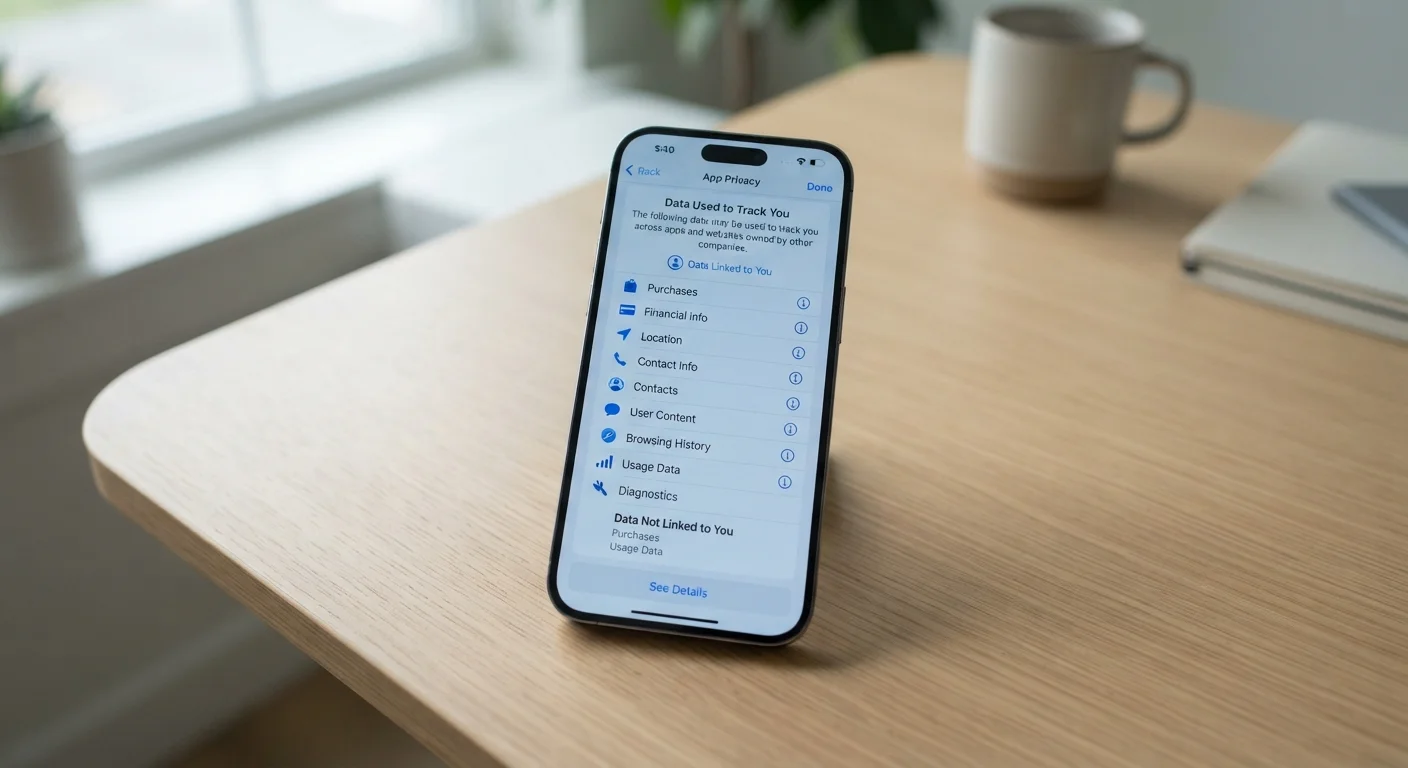
A typical privacy label breaks data into three broad questions: what is collected, how it is used, and whether it is linked to you personally. Apple's labels use three main groupings:
- Data Used to Track You — information combined with data from other apps or websites, typically for advertising targeting.
- Data Linked to You — information tied to your account, device, or identity, such as purchase history or contact details.
- Data Not Linked to You — information collected but kept in a form not associated with your identity, such as anonymized crash logs.
Google's Data Safety section uses similar but not identical categories, covering data types collected, whether they are shared with third parties, security practices, and whether users can request data deletion.
These labels also tend to list the types of data involved — location, browsing history, financial information, health data, and so on — giving you a category-level picture of what the app touches.
80%+
Apps with at least one third-party tracker
Research published by the Oxford Internet Institute found the vast majority of apps in major stores contain third-party tracking code, often invisible to the privacy label summary.
2022
Year Google Play's Data Safety section launched
Google required developers to complete Data Safety forms for existing and new apps by July 2022, following Apple's rollout of nutrition labels in December 2020.
~30%
Apps with label inconsistencies in studied samples
Independent academic studies examining iOS apps have found a notable share with discrepancies between self-reported privacy labels and observed data transmissions.
The Significant Gaps You Should Know About
The self-reported nature of privacy labels is the most consequential limitation. Developers fill out the forms themselves, and the app store platforms do not conduct a technical audit before the label goes live. Academic researchers studying iOS apps have found meaningful inconsistencies between declared labels and measured network behavior.
A second gap involves third-party SDKs (software development kits) — pre-built code libraries that developers embed to add functionality like analytics, advertising, or social sharing. These SDKs may collect and transmit data independently, yet the top-level label may not fully reflect that activity.
Labels also typically do not disclose:
- How long data is retained
- Where data is stored geographically
- Which specific third parties receive the data
- What happens to your data if the company is sold or acquired
That last point matters for your longer-term privacy posture. Our explainer on deleting an app vs. deleting your account explains why your data can outlive the app on your phone.
How to Use Labels as One Tool Among Several
A privacy label is a useful starting signal, not a final verdict. Here is how to use it effectively alongside other checks:
- Scan the label before downloading. If an app for a simple task — a flashlight or a unit converter — claims to collect location and browsing history, that warrants skepticism.
- Read the full privacy policy. Verbose and legalistic as they often are, policies contain specifics that the label summary omits, including data retention timelines and third-party sharing details.
- Review the permissions requested at install. Labels describe data categories; permission prompts show access — microphone, camera, contacts. The two layers together give a more complete picture. Our guide on app permissions worth thinking twice about walks through the common ones.
- Check your broader privacy settings. Some of the most important controls sit outside any individual app. See privacy settings Americans almost always skip for a starting point.
Understanding what apps know about you is also part of a wider picture. Websites, loyalty programs, and other online services use different but overlapping methods. Our explainer on what websites know about you covers browser-side tracking in more depth, and our piece on how loyalty programs collect data addresses the trade-offs in retail contexts.